FormAlert for SlackGet FormAlert App
Filtered Slack alerts for Google Forms

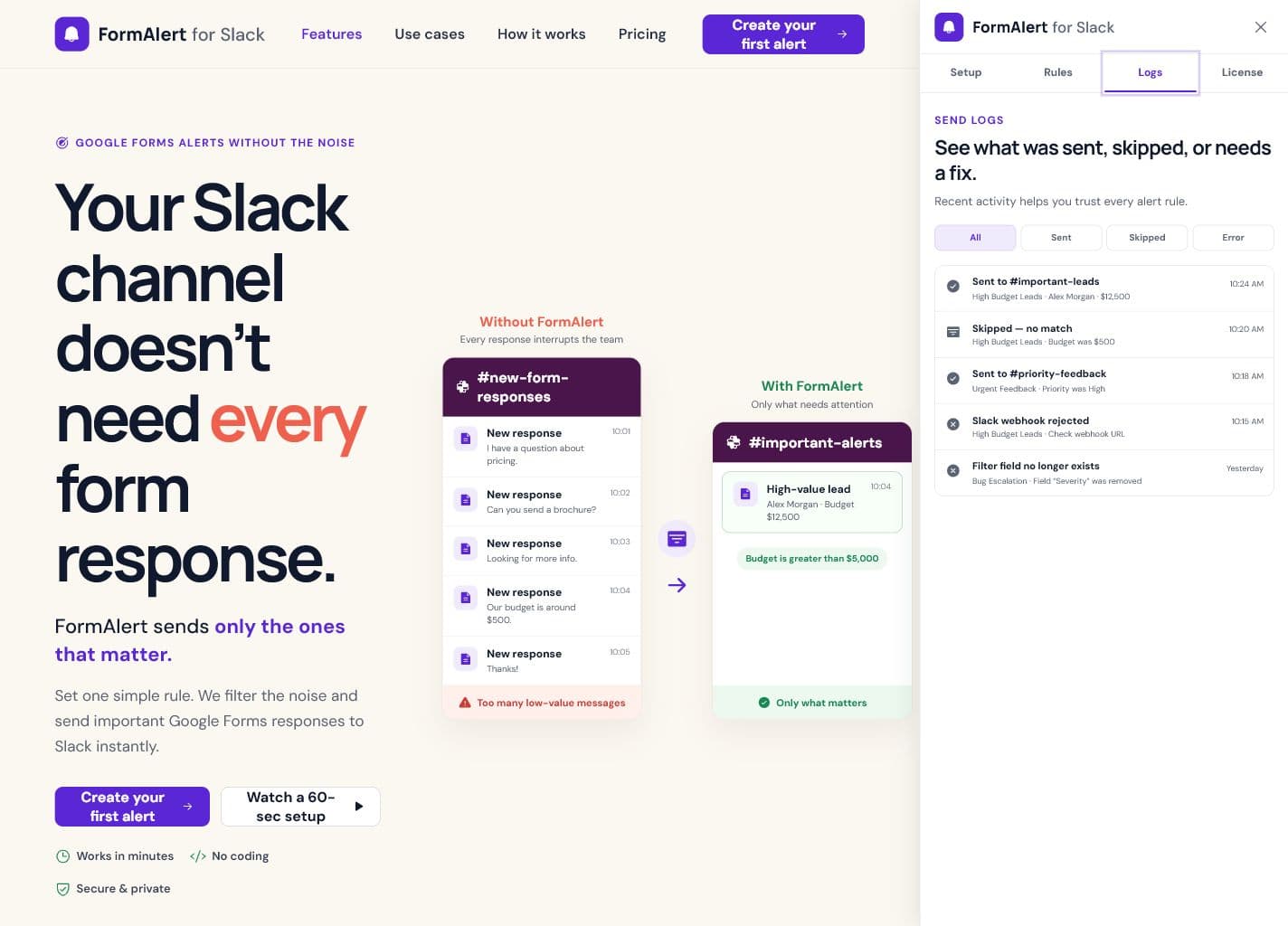
Send important form responses to Slack.

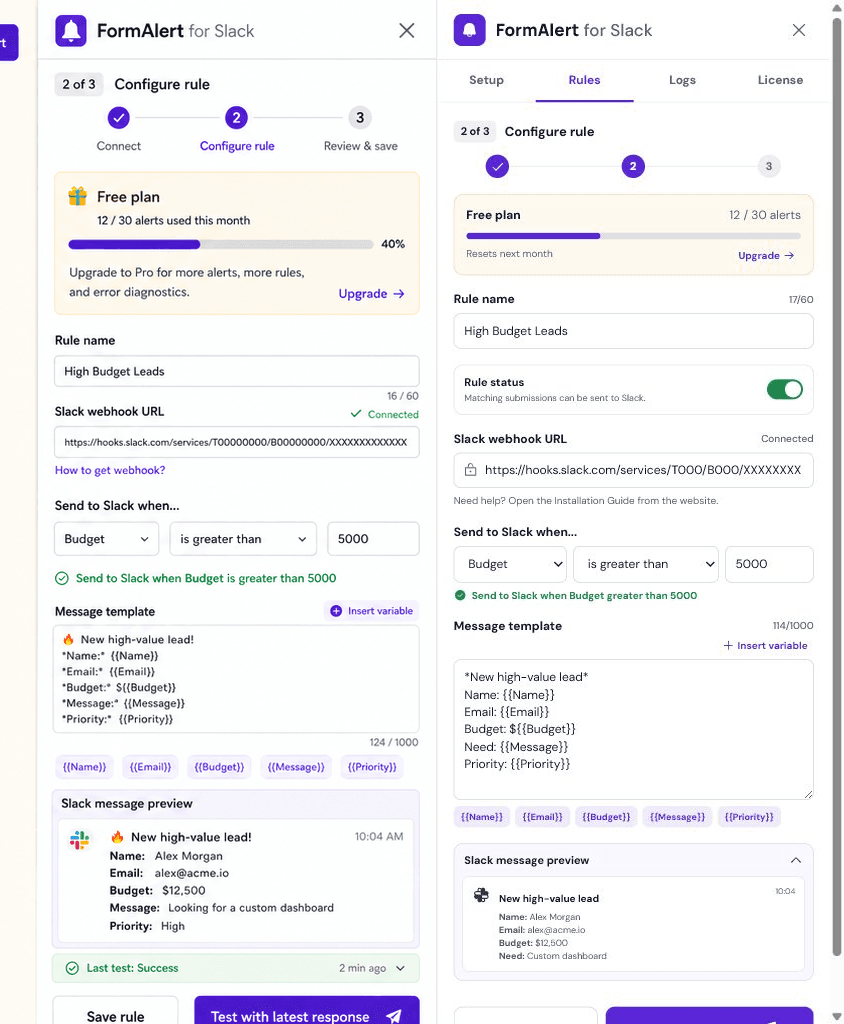
Add field rules in the current Google Form. Matching notifications go directly from Apps Script to your Slack Webhook.

FormAlert rule editor inside the Google Forms Editor Add-on
Configure a field rule, message, and direct Slack delivery inside the add-on.
One focused workflow

Filter before you notify.

FormAlert adds one useful decision between a Google Forms submission and a Slack notification.

Google FormField FilterSlack notification

Everything needed to keep Slack useful.

Filter Rules

Send only responses that match equals, contains, or greater-than field rules.

Message & Payload Mode

Write Markdown messages or paste official Slack Block Kit payload JSON.

Local Status & Debug

See the latest status and copy redacted debug info from the add-on.

Inside the add-on

Core work stays with your Google Form.

Webhook setup, question selection, rules, tests, and local debug status all happen inside the Google Forms Editor Add-on. The website exists to help you install, learn, and upgrade.

See the complete setup
FormAlert local status and debug controls
Last status and redacted debug info stay local to the add-on.

Useful for the submissions your team needs to act on.

Sales leads

Notify Slack when a lead meets your budget or qualification threshold.

Customer feedback

Route high-priority feedback and refund requests to the right channel.

Bug reports

Alert the team only when severity or impact matches your rule.

A short path from Google Form to Slack.

  1. 1
    Open the Google Form

    Open the Form you want to monitor in the Forms editor.

  2. 2
    Install FormAlert

    Launch the add-on from the Forms editor add-on button.

  3. 3
    Configure and filter

    Add your Slack Webhook, message, and field rule.

  4. 4
    Test and enable

    Test with the latest response, then save to enable automatic alerts.

Read installation guide
Your form data stays in your Google Apps Script environment.

FormAlert does not store Google Form responses or Slack Webhook URLs. Matching notifications go directly from Apps Script to Slack.

Read privacy policy

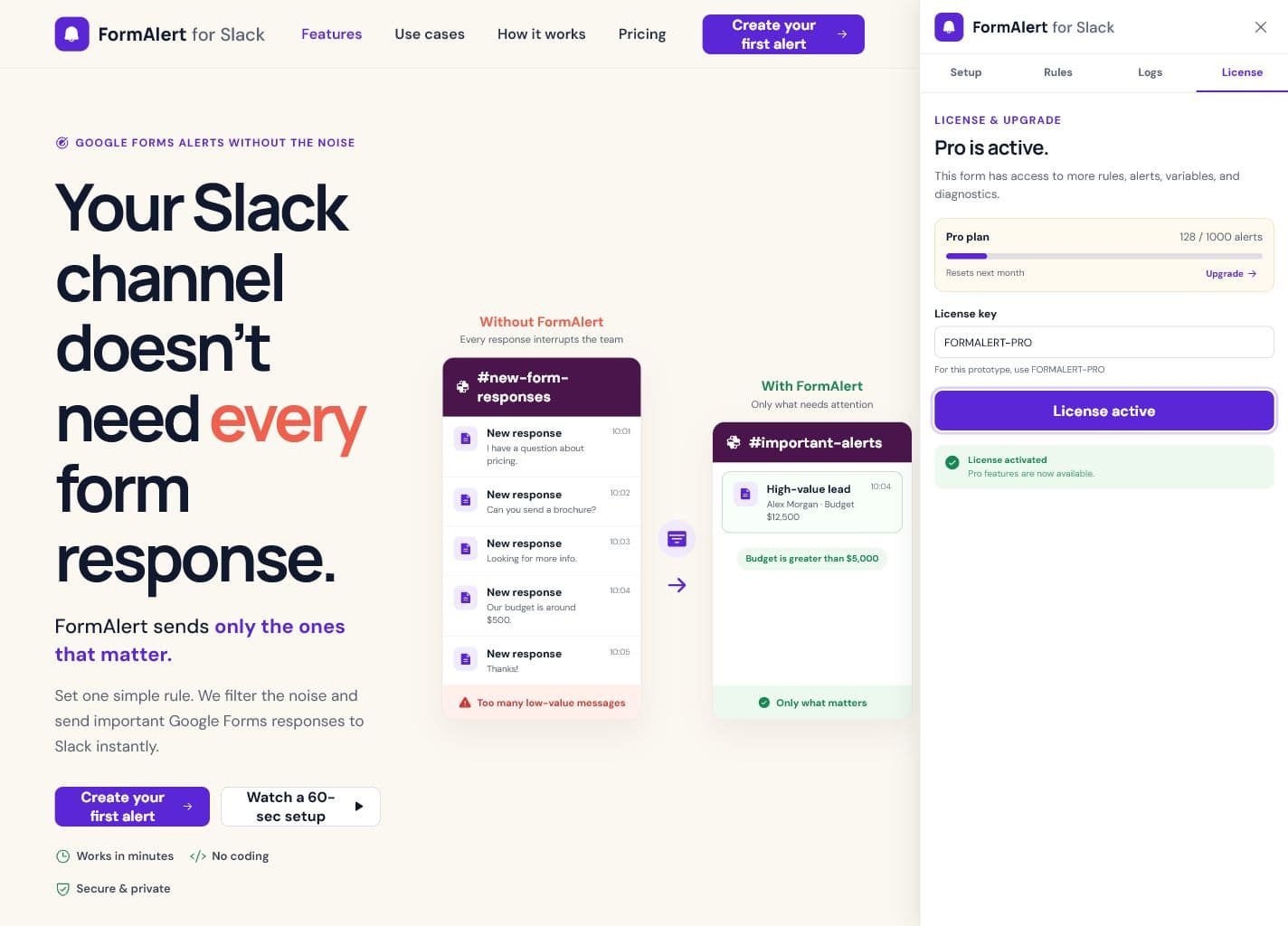
Start free, then upgrade with a License Code.

No web account is required. Purchase a plan, receive a License Code, and activate it inside the add-on.

Free

Try the complete local workflow in your current Google Form.

$0/ month
No payment required
  • 7-day trial
  • 30 Slack sends
  • 1 connected Google Form
  • Message Mode
  • Latest 10 redacted debug entries
Get FormAlert App

Business

For teams running FormAlert across many workflows.

$6.50/ month
$79 billed yearly
  • Unlimited Slack sends
  • Up to 100 connected Google Forms
  • Message & Payload Mode
  • Unlimited conditions per Form*
  • Latest 10 redacted debug entries
  • Priority support
Choose Business

*A safety limit of 50 conditions per Form applies. Checkout delivers a License Code, not a web account.

Send the responses that deserve attention.

Install FormAlert in your current Google Form and create your first field filter.

Get FormAlert App